



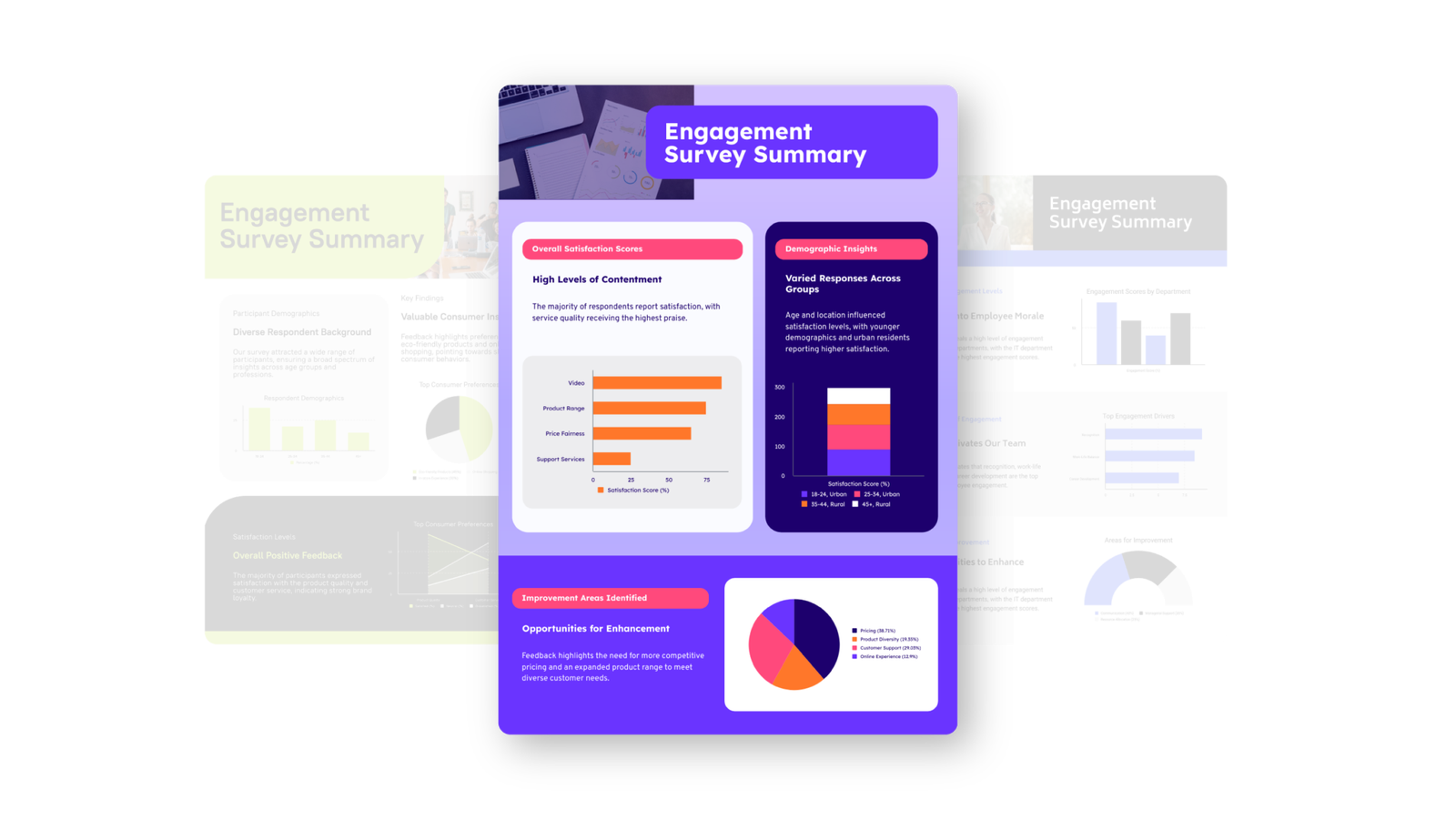
The rise of artificial intelligence has transformed the way people create and share content. From text generation to graphic design, AI has simplified complex tasks and made them accessible to everyone. One of the most useful tools in this space is the Piktochart AI ebook generator, which allows users to create visually appealing digital books without advanced technical or design skills. This tool is particularly popular among educators, businesses, bloggers, and marketers who need professional ebooks but lack the time or resources to build them manually.
Traditionally, creating an ebook required design expertise, patience, and sometimes expensive software. But with AI-driven platforms, the process is faster and much more efficient. Piktochart, originally known for its infographics and visual content creation, has expanded its offerings by integrating AI capabilities into ebook generation. Users can now create engaging layouts, choose from ready-made templates, and even generate ideas for structuring their content.
What makes this tool valuable is its combination of automation and customization. Instead of spending hours designing, you can simply input your text, and the AI organizes it into an attractive ebook format. For businesses, this means having a lead magnet or product guide ready in minutes. For teachers, it means quickly preparing course materials. For writers, it means turning drafts into professional ebooks.
In this article, we will explore the features of the Piktochart AI ebook generator, its benefits, and best practices for getting the most out of it.
Piktochart AI Ebook Generator And Its Main Features
The Piktochart AI E-book generator stands out because it blends visual storytelling with artificial intelligence. Unlike traditional ebook makers, it focuses heavily on design and presentation, ensuring that your ebook looks polished.
Some of its main features include pre-designed templates, drag-and-drop customization, and real-time formatting. Users can insert text, images, icons, and charts effortlessly. The AI engine helps maintain design balance, making sure that each page is visually consistent. Another highlight is the ability to export ebooks in multiple formats, including PDF, which is ideal for distribution and printing.
Educators find this tool useful for creating digital handbooks or study guides, while businesses rely on it for designing brochures, case studies, or customer guides. Bloggers and content creators also appreciate how easily it can transform blog posts into ebook formats. Self publishing allows authors to independently produce and distribute their books without going through a traditional publisher.
Benefits Of Using AI For Ebook Creation
The biggest benefit of using tools like the Piktochart AI ebook generator is time-saving. What once took days of design work can now be completed in a few hours or less. This is especially important for small businesses and independent creators who cannot afford professional designers.
Cost-effectiveness is another key advantage. Piktochart offers free and paid versions, with the AI features adding extra value. Even with the free version, users can create professional-looking ebooks without additional expenses. Collaboration is also made easier, since teams can work together within the platform to edit and design ebooks in real time.
Furthermore, the AI aspect enhances creativity. For example, it can suggest layouts that users may not have considered or recommend color schemes that improve readability. This combination of automation and creativity makes the tool appealing across industries.
Self publishers are writers who take charge of the entire publishing process, from manuscript preparation to sales. They often use tools like Amazon KDP, Reedsy, or IngramSpark to publish and sell their work in both digital and print formats.
How To Get The Best Results With Piktochart AI Ebook Generator
While the platform makes ebook creation simple, a few best practices can help ensure quality results. First, organize your content before uploading it. Structured text is easier for the AI to arrange into a logical flow. Second, use visuals wisely. Images, charts, and icons make your ebook more engaging, but overcrowding can hurt readability.
Another tip is to maintain branding consistency. Businesses should apply company colors, fonts, and logos to ensure ebooks match their identity. Writers should focus on readability by choosing simple fonts and leaving enough white space on each page.
Finally, always preview the ebook on different devices before publishing. While Piktochart optimizes layouts, it is best to double-check how it appears on desktops, tablets, and smartphones. This ensures a smooth experience for readers.
Children’s book publishing focuses on stories crafted for young readers, often combining engaging narratives with vivid illustrations. Whether traditionally or self-published, children’s books require careful attention to age-appropriate content, layout, and visual appeal.
Comparing Piktochart With Other Ebook Generators
Although there are many ebook makers available, Piktochart holds a unique position because of its strong emphasis on design. Other tools may provide advanced text generation, but few balance visual storytelling as effectively. For example, Canva and Designrr are popular ebook tools, yet Piktochart’s AI integration focuses more on presentation, making it a better option for people who prioritize visual appeal.
This does not mean Piktochart is the only solution. Users should evaluate multiple tools and choose the one that aligns with their needs. For educators and marketers, Piktochart is often the preferred choice, while authors seeking content-heavy ebooks might explore other AI writing platforms.
Maximizing The Value Of Piktochart AI Ebook Generator
Artificial intelligence continues to shape the future of content creation, and tools like the Piktochart AI ebook generator make digital publishing accessible to everyone. By offering pre-designed templates, automation, and creative suggestions, it allows users to focus on ideas instead of struggling with formatting. Whether you are a teacher, entrepreneur, or content creator, this tool provides a practical way to design professional ebooks efficiently. While alternatives exist, Piktochart shines in combining AI with strong visual storytelling, making it a valuable addition to modern publishing strategies. Ultimately, ebook AI solutions like this are paving the way for more inclusive, creative, and efficient digital publishing.


