



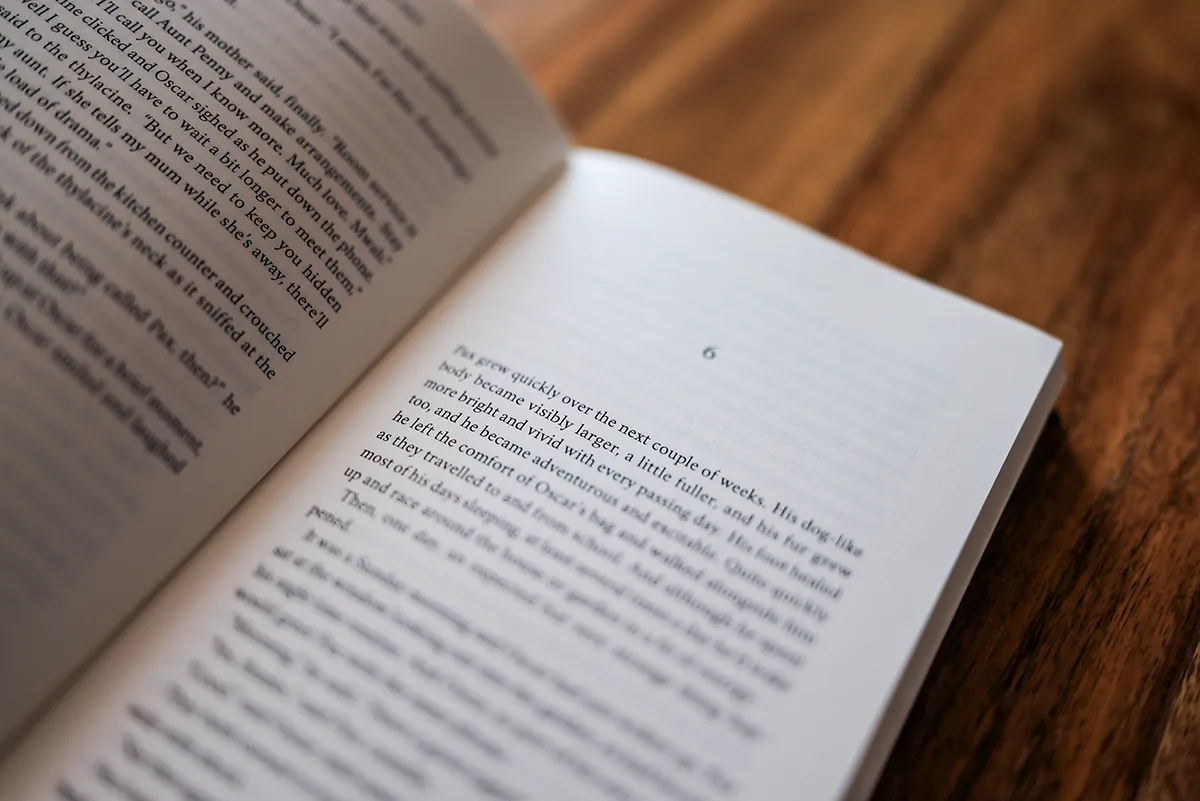
Self-publishing has opened the doors for countless authors to share their work without the need for traditional publishing houses. While digital books have seen a surge in popularity, paperback books continue to hold a special place for readers who value the tactile experience of holding a physical book. However, for independent authors and small publishers, preparing a paperback version involves more than simply printing the text. One of the most critical steps is getting the formatting right, and using a well-structured paperback book formatting PDF can make the entire process more efficient.
In this guide, we will discuss the importance of formatting, the tools you can use, and the steps required to create a professional layout for your paperback. This is not only about making the book look good, but also about ensuring it meets the technical standards required by printers and distribution platforms. Whether you are preparing a novel, a nonfiction guide, or a poetry collection, the principles remain the same.
By the end of this article, you will understand why a paperback book formatting is an essential tool, how to create one, and what key elements to include. You will also learn how to avoid common formatting mistakes that can lead to printing issues or a poor reader experience. If you have ever flipped through a self-published book and noticed uneven margins, misaligned text, or awkward page breaks, you already know how important professional formatting is. Let’s explore the process in detail.
Understanding Paperback Book Formatting PDF
A paperback book formatting PDF acts as both a guide and a final output file for printing. The PDF format is preferred by most printing services because it preserves the layout exactly as intended, regardless of the device or software used to view it. When you format your manuscript for print, you are essentially deciding how each page will look to the reader, including margins, fonts, headers, page numbers, and paragraph spacing.
For example, a standard novel might use a 6 x 9 inch trim size, with specific margin measurements to allow for binding and reader comfort. Line spacing, font size, and chapter headings all play a role in creating a professional appearance. Using a template or formatting software can help ensure consistency throughout the book, reducing the chances of errors.
One advantage of creating a paperback book formatting pdf early in the process is that it allows you to preview the final layout. You can see exactly where each chapter begins, how illustrations are placed, and whether any adjustments are needed before printing. This saves both time and money, as reprints caused by formatting errors can be expensive.
Self publishing allows authors to independently produce and distribute their books without going through a traditional publisher. Writers maintain full creative and financial control, choosing their own editors, designers, and marketing strategies while earning a higher share of royalties.
Common Mistakes In Paperback Formatting
Even experienced authors can make mistakes when preparing a paperback book. One of the most common issues is inconsistent formatting between chapters, such as varying font sizes or margin settings. This often happens when text is copied from multiple sources without proper style management.
Another mistake is neglecting to check for widows and orphans, which are single lines of a paragraph left at the top or bottom of a page. These can disrupt the flow of reading and look unprofessional. Similarly, placing images without considering bleed areas can result in important details being cut off during printing.
It’s also important to avoid relying solely on the on-screen view of your manuscript. Always print a test copy or order a proof from your printing service. Seeing the physical book allows you to spot issues that may not be visible in the digital version.
Without a professional layout, even the most compelling story can lose credibility. A carefully prepared paperback book formatting pdf ensures that every page looks exactly as intended, from the first chapter to the last.
Self publishers are writers who take charge of the entire publishing process, from manuscript preparation to sales. They often use tools like Amazon KDP, Reedsy, or IngramSpark to publish and sell their work in both digital and print formats.
Using Tools And Templates For Better Results
To simplify the process, many authors turn to templates and specialized software. A paperback book formatting pdf template provides a pre-set structure that meets printing requirements, allowing you to focus on content rather than technical details.
For instance, tools like Vellum, Atticus, and Reedsy offer user-friendly formatting solutions for both digital and print books. These programs allow you to customize trim sizes, margins, fonts, and headers without having to manually adjust every page. Microsoft Word templates are also widely available, although they require more manual fine-tuning.
Using a template not only saves time but also reduces the risk of errors. It ensures that your book will look consistent from start to finish, which is crucial for maintaining a professional image.
Children’s book publishing focuses on stories crafted for young readers, often combining engaging narratives with vivid illustrations. Whether traditionally or self-published, children’s books require careful attention to age-appropriate content, layout, and visual appeal.
By understanding the basics of layout design, avoiding common mistakes, and using reliable tools or templates, you can create a book that meets industry standards and provides a pleasant reading experience. Whether you choose to handle the formatting yourself or hire a professional, the investment in quality will pay off in reader satisfaction and long-term sales.
If you take the time to create a proper paperback book formatting pdf, you not only increase your chances of impressing readers but also reduce printing headaches down the road. In the competitive world of self-publishing, presentation matters just as much as the content, so make sure your book’s format does justice to your hard work.


