



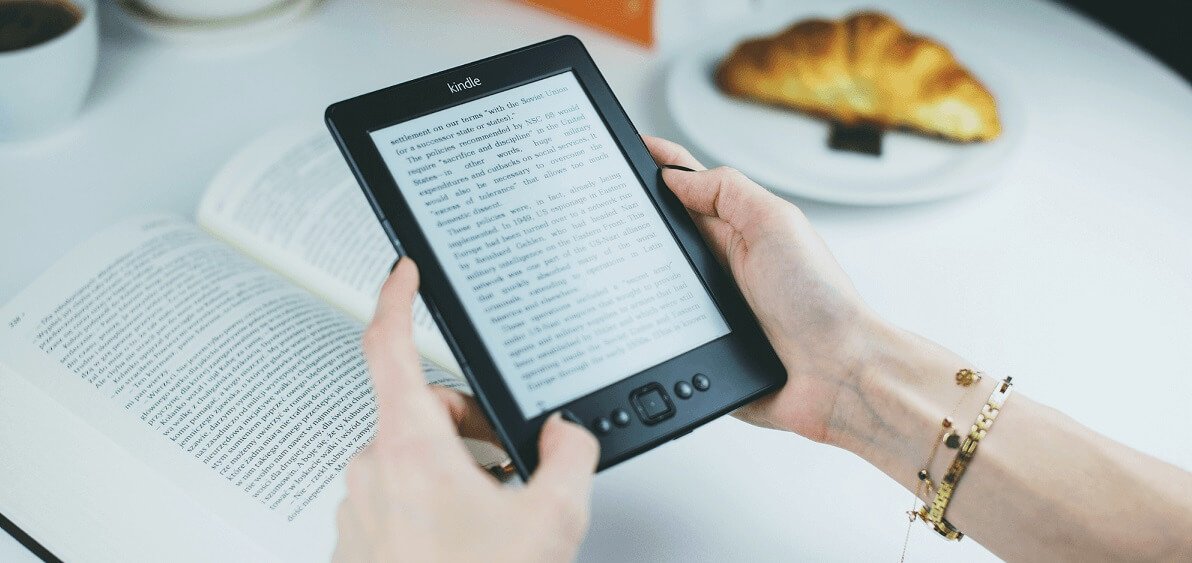
Today, anyone with a story, educational material, or even a collection of personal memories can share their work with the world digitally. The ability to create a book online has opened doors for aspiring authors, entrepreneurs, and educators who previously faced the high costs and complexities of traditional publishing.
In the past, producing a book required significant financial investment, professional printing services, and often, industry connections. Now, with the help of modern technology, you can design, format, and even distribute your book right from your computer. This transformation means that you do not have to wait for a publishing deal to make your work available to readers.
When you create a book online, you also gain full control over the process. You decide the layout, design style, cover image, and distribution method. Whether your goal is to self-publish on Amazon Kindle, sell through online bookstores, or simply share your work as a free download, there are tools that can guide you step by step. Many of these platforms offer templates, drag-and-drop editors, and direct publishing options, eliminating the need for advanced technical skills.
In this guide, we will explore the most popular and effective methods to create a professional book entirely online, covering the tools, tips, and mistakes to avoid so your project looks polished and appealing to readers.
Best Tools To Create A Book Online
If you are just starting out, using user-friendly platforms is key. Websites like Blurb, Lulu, and Book Creator are popular for beginners and professionals alike. They offer a range of templates, design customization options, and even direct distribution to major book retailers. Blurb allows you to work on both print and eBook versions, while Lulu offers a strong focus on print-on-demand publishing, so you only produce books when someone orders them.
Book Creator, originally designed for classrooms, is also a great choice for personal projects and interactive books. It supports multimedia elements, making it ideal for children’s books, guides, and educational resources. Many platforms also allow you to download your file in multiple formats, ensuring compatibility across devices.
For those who prefer more control, Canva offers custom design flexibility with pre-made book cover templates and easy export options. Ebook publisher platforms such as Amazon Kindle Direct Publishing (KDP), Apple Books, and Smashwords help authors distribute digital versions of their books. These services allow writers to upload their manuscripts, set prices, and reach global readers through major online retailers.
Tips For Designing Your Book Effectively
Even if your writing is outstanding, poor formatting or an unattractive cover can turn readers away. When you create a book online, start by choosing a layout that suits your genre. For example, fiction books often use simple, easy-to-read fonts, while cookbooks or educational guides may benefit from more structured layouts with images and headings.
Make sure your margins, spacing, and font sizes are consistent throughout the book. If your book contains images, ensure they are high resolution to avoid pixelation in print or on screens. For eBooks, keep file sizes manageable without compromising quality, as large files can be slow to download.
Self publishing gives authors full control over the publishing process, including editing, design, pricing, and marketing. It allows for faster release schedules and higher royalty rates compared to traditional publishing, making it a popular choice for indie writers
Common Mistakes To Avoid When Publishing Online
One of the biggest mistakes people make is rushing the editing and formatting stages. This often results in typos, inconsistent styles, and poorly aligned elements. Taking extra time to proofread your content and double-check design consistency can save you from releasing an unprofessional product.
Another common issue is ignoring copyright considerations. If you are including images, graphics, or quotes, make sure you have the legal right to use them. Some online publishing tools offer built-in image libraries with free-to-use resources, which can help avoid legal trouble.
When you create a book, also remember to consider your audience’s preferred format. Some may prefer printed books, others may enjoy eBooks, and certain readers might want both. Offering multiple formats increases your reach and reader satisfaction. Self publishers are independent authors who manage the creation, formatting, and distribution of their own books. They may use tools like Reedsy, Atticus, or IngramSpark to format and publish their titles in both digital and print formats.
Why Online Publishing Is The Future Of Books
Today, anyone with a computer and an internet connection can publish a book that reaches global audiences. Self-publishing platforms and design tools allow you to bypass traditional gatekeepers, keeping more creative control and a higher share of profits.
The ability to create a book online also means you can publish quickly. Instead of waiting months or years for approval from a traditional publisher, you can upload your file, approve the proof, and make it available to readers within days. This speed makes it easier to respond to trends, update content, and keep your work relevant.
As more readers turn to digital devices for entertainment, education, and professional development, online publishing is expected to grow even further. Authors who embrace these tools today will be better prepared for the future of the industry.
How To Create A Book Online
Thanks to innovative platforms and design tools, creating a book has never been easier. You can now write, format, design, and distribute your work without investing in expensive software or professional printing services. The ability to create a book online gives you full control over your project, from the first draft to the final product.
By choosing the right platform, paying attention to design, and avoiding common mistakes, you can produce a polished book that readers will enjoy. Whether your aim is to share a personal story, teach a skill, or publish professionally, the tools are at your fingertips. With careful planning and attention to detail, your book can look every bit as professional as one released by a major publishing house.


